
Get the project ready for your team
For the owner or project lead. Your team server should already be running.
- Create project
- Publish guidance
- Add teammates
- Try a review
Prepare the project
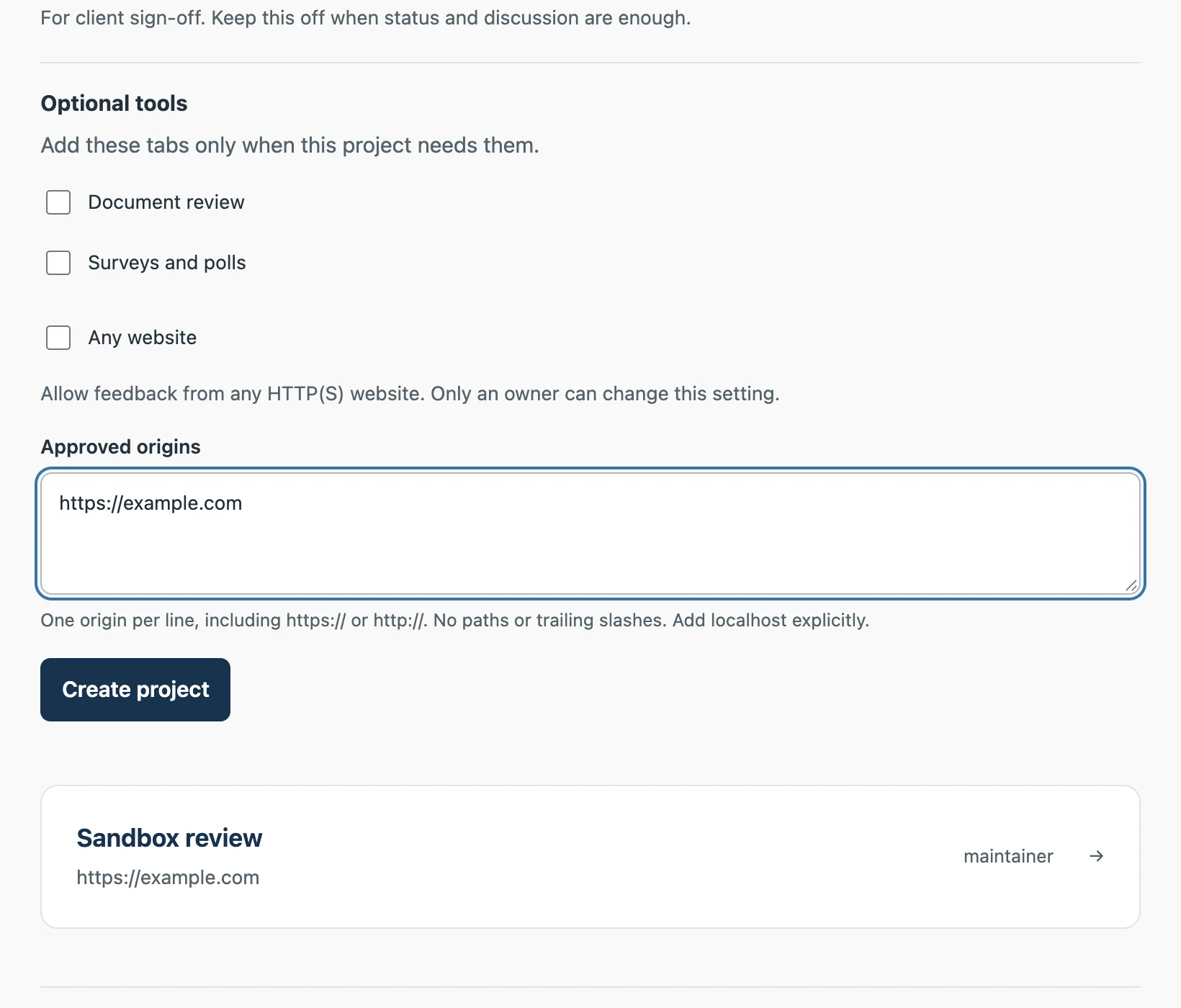
- In Projects → New project, add the website's exact origins. Scheme, hostname and non-default port matter; there are no wildcard approvals.
- In Instructions, publish the product rules, design constraints and acceptance criteria a fix should follow. Keep secrets and private owner notes out.
- In Members, give each person their own account and appropriate project access. Maintainers configure the project; reviewers need permission to submit.
Check the handoff
| Person | Next action |
|---|---|
| Reviewer or client | Connect the extension, then send a synthetic review |
| Resolving developer | Connect their own agent, then verify project access |
| Project lead | Check that both can see the same submitted thread |
Add context as needed
Use People for expertise. An authorized agent can update member profiles, project background and responsibilities on request. These guide interpretation; they never grant access. Context reference.
GitHub is optional. The server owner selects an App; a GitHub account owner installs it on selected repositories; project maintainers connect them. Follow the GitHub guide.
For separate websites or moving existing feedback, see project routing. A move requires access to both projects and does not widen membership.