
Show your team what needs changing
Your team handles the server and agent setup. Ask for review access, then connect the extension.
- Point it out
- Check and send
- Try the fix
Point and describe
Open the website and click the pinned extension. Right-click the element, describe what you expected, then Save point. Add another point when the request needs more context.
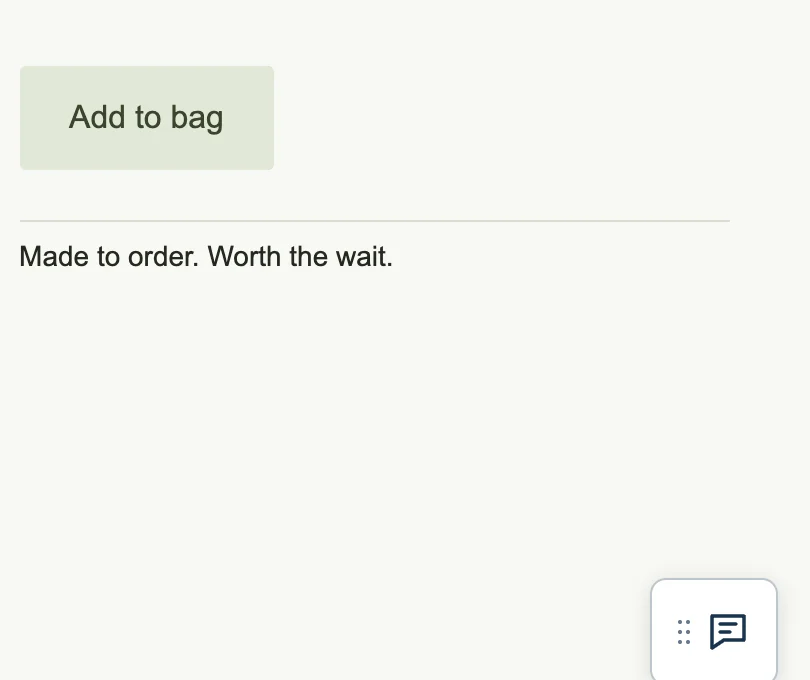
| Include | Example |
|---|---|
| The exact place | “The heading above the contact form” |
| The requested change | “Use ‘Talk to us’ as the heading” |
| How to check it | “Keep it readable at mobile width” |
Save point keeps a local draft. It does not share the feedback or change the website.
Keep each note focused on one change. The screenshot gives the team the page context; your words explain what should happen. Mention the device when the problem only appears there.
Check and send
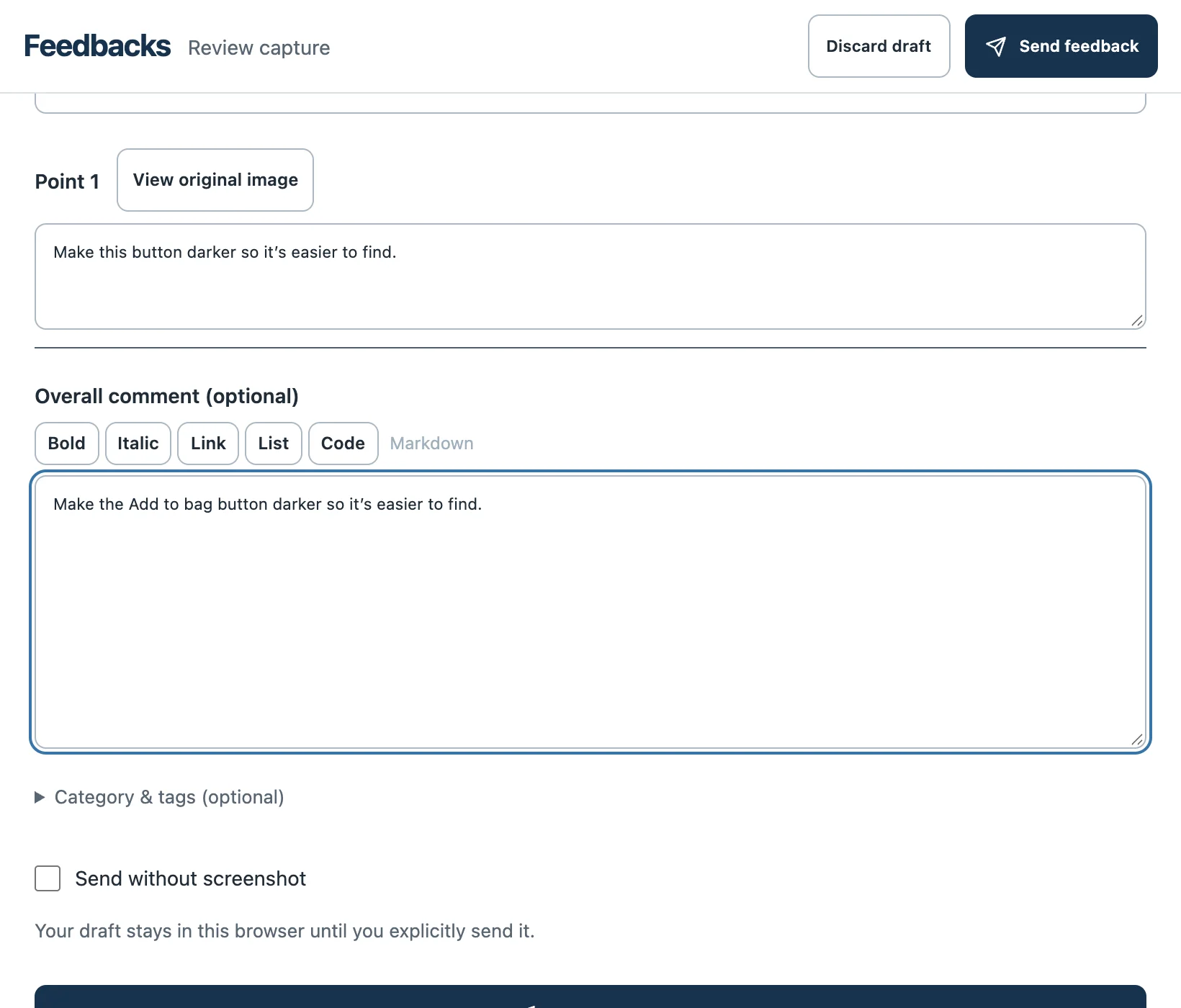
Choose Review & send, inspect the notes and screenshots, then Send feedback. Check for private information before sharing; remove or redact anything the team should not receive.
When the team shares a fix, open the same page, try the original steps and reply in the feedback thread with what you observed.
Received a guest link instead?
Open the link your team sent and use its review controls. You do not need to install a server or configure an agent. Review your evidence before submitting; ask the team for a replacement if the link no longer works.